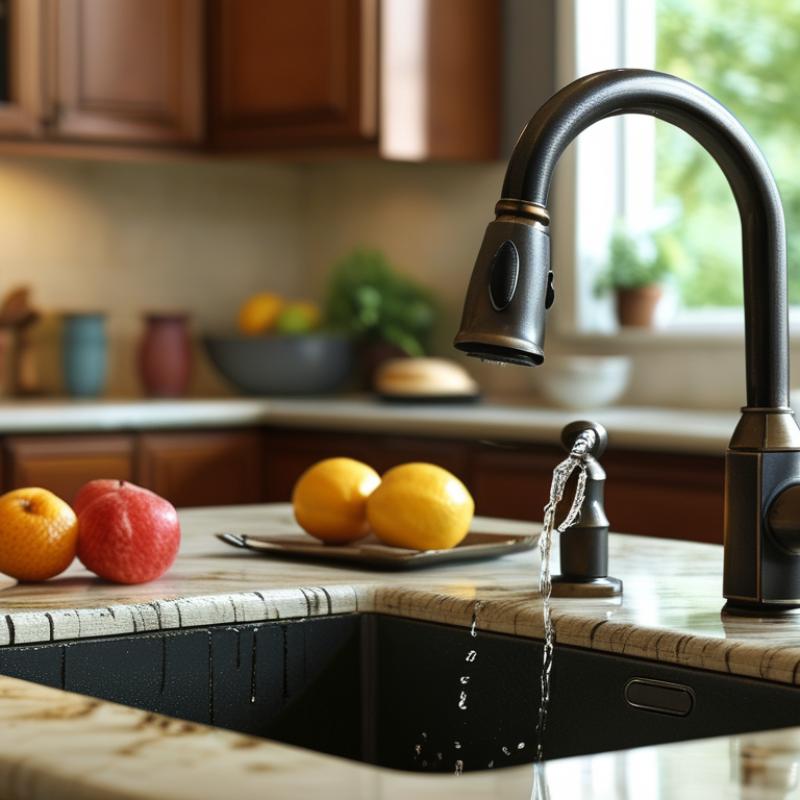
Are you struggling with your touchless faucet? You are not alone. Many people wonder, "why is my touchless faucet not working?" It can be frustrating when technology does not work as expected. Touchless faucets offer convenience, but they can sometimes malfunction.
There are various reasons behind a non-working touchless faucet. Sensor issues, battery problems, or misalignment could be culprits. Understanding these factors is essential for effective troubleshooting. Local plumbing experts often encounter these concerns, and their insights can guide you through the process.
Don't let a malfunctioning faucet disrupt your routine. By identifying the root of the problem, you can restore functionality. Many troubleshooting techniques are simple and accessible. You may find that the solution is easier than you think. Embracing a hands-on approach can provide valuable learning experiences.
A touchless faucet is a convenient addition to any kitchen or bathroom. However, it can malfunction for various reasons. Common issues often stem from sensor problems. According to a recent report, almost 30% of touchless faucet failures relate directly to sensor misalignment. A simple dust accumulation over the sensor lens can disrupt its ability to detect movement. Cleaning the sensors regularly is vital for optimal performance.
Another frequent cause of malfunction is water supply issues. If the water pressure is too low, the faucet may not activate properly. Studies show that maintaining a pressure range of 20-80 psi is crucial for most touchless faucets. Additionally, a blockage in the supply line can hinder water flow. Regular checks on these aspects are necessary to prevent extended downtime.
Power supply problems can also be an issue. Many touchless faucets rely on batteries, which can drain faster than expected. Data suggests that battery failures are linked to around 15% of faucet malfunctions. Keeping a spare set of batteries on hand can save frustration. Addressing these common issues can help ensure your touchless faucet operates smoothly and efficiently.
Touchless faucets are convenient. However, they can malfunction. Understanding common issues helps. Let's explore a step-by-step troubleshooting guide.
Start by checking the batteries. Many touchless faucets rely on battery power. If the batteries are dead, the faucet won't respond. Replace them with fresh batteries. This action often solves the problem.
Next, inspect the sensors. Dirt and grime can block the sensor's functionality. Clean the sensor area with a soft cloth. Ensure no obstructions are present. Sometimes a misalignment occurs. If the sensor is not positioned correctly, it won't detect hand movements.
Finally, look for any loose connections. Check the wiring under the sink. A loose wire could interrupt the power flow. Tightening connections when necessary can restore functionality. If these steps don't work, consulting a professional may be vital. They have the experience to diagnose complex issues.
When a touchless faucet suddenly stops working, the first thing to consider is the power source. Most touchless faucets rely on batteries or electrical connections. If your faucet is battery-operated, check if the batteries are dead. Replace them with fresh ones and see if that resolves the issue. It’s a straightforward step, but people often overlook it.
If the faucet uses an electrical connection, ensure it is properly plugged in. Look for any loose wires or damaged cords. Sometimes, the problem lies in the outlet. Plug in another device to test if the outlet is functioning. You might find that a simple reset of the circuit breaker can resolve the problem.
Don't forget to consider water supply issues as well. If everything seems fine with power but the faucet still doesn't work, check if the water valves are open. It’s easy to assume everything is fine, but these little details can save time and frustration. Troubleshooting a touchless faucet requires a keen eye and an understanding of basic plumbing and electrical systems.
If your touchless faucet isn’t working, inspecting the sensor is crucial. These sensors rely on infrared technology to detect motion. Sometimes, dirt or grime can interfere with their functionality. Regular cleaning is essential. Use a damp cloth to wipe the sensor area gently.
Check the settings as well. Some faucets have adjustable sensitivity settings. If your faucet isn't responsive, it might be set too low. Refer to your installation manual for instructions. Finding the right sensitivity can enhance performance significantly.
Tips:
Keep the sensor clean. Even small particles can block signals.
Experiment with the sensitivity settings to find what works best for you.
Sometimes, simply resetting the faucet can solve many issues. If all else fails, consult a professional.
| Issue | Possible Causes | Recommended Solutions |
|---|---|---|
| Faucet does not turn on | 1. Sensor misalignment 2. Low battery 3. Clogged sensor |
1. Adjust sensor position 2. Replace or recharge batteries 3. Clean the sensor area |
| Water runs continuously | 1. Sensor sensitivity too high 2. Faulty valve |
1. Adjust sensitivity settings 2. Replace the valve |
| Intermittent operation | 1. Dirty sensor 2. Power supply issues |
1. Clean the sensor 2. Check power connections |
| Faucet activates on its own | 1. Excessive motion near sensor 2. Faulty sensor |
1. Reposition sensor or remove obstructions 2. Replace sensor |
Maintaining your touchless faucet is crucial for its long-term performance. Regular care can prevent common issues, ensuring smooth operation. Start by cleaning the sensor area. Dust and grime can block the sensor, affecting its sensitivity. A damp cloth works best for this task. However, be gentle. Excessive scrubbing may damage the surface.
Another essential tip involves checking the batteries. A low battery can lead to reduced performance. Make it a habit to replace batteries every six months. If your faucet uses an AC power source, ensure the connection is secure. Loose wires can create interruptions. Remember to inspect the faucet’s connections for leaks. Small drips can escalate into bigger problems over time.
When experiencing unusual behavior, try resetting the system. This action can resolve minor glitches. If issues persist, consulting a professional might be necessary. Regular maintenance can enhance sensor accuracy and overall functionality. Pay attention to the faucet's responsiveness during daily use. Notice any irregularities, and address them promptly for optimal results.
: Sensor misalignment and dust are main issues. Low water pressure and battery failure also contribute.
Clean the sensor regularly. Dust can block the sensor, affecting its ability to detect motion.
Maintain water pressure between 20-80 psi. Low pressure may prevent the faucet from activating properly.
Check the batteries first. Replace them if they are dead. Also, inspect electrical connections for any issues.
Regularly clean the sensor area and check for leaks. Replace batteries every six months for optimal performance.
Ensure water supply valves are open. These details are essential and easy to overlook.
Simply turn it off and back on. This may fix minor glitches that affect performance.
Performance drops are often due to low batteries or dirty sensors. Regular maintenance can help.
If problems persist after basic troubleshooting, consulting a professional may be necessary for accurate diagnosis.
Notice any irregularities in response. Small drips or poor sensitivity can mean it's time for maintenance.
If you're wondering, "why is my touchless faucet not working," there are several common issues to consider. Touchless faucets primarily malfunction due to problems with power sources, such as dead batteries or faulty electrical connections. Additionally, sensor functionality can be compromised by dirt or misalignment, which affects the faucet's ability to detect motion accurately.
To troubleshoot these issues, start by checking the batteries and ensuring all connections are secure. Next, inspect the sensor for any blockages or damage and adjust the settings as needed. Regular maintenance, including cleaning the sensor and checking for any wear and tear, can also help ensure optimal performance and prevent future malfunctions. By following these steps, you can effectively resolve the issues and restore your touchless faucet to working condition.
Flow Faucet